Platform Integrations > Magento 2.0
Magento 2.0
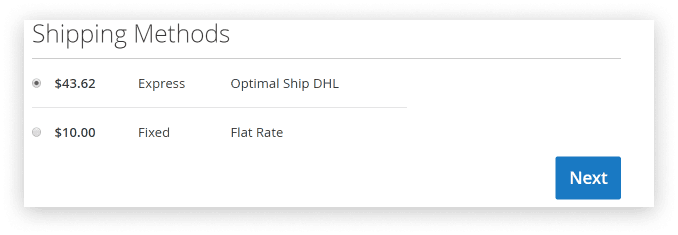
Note: These rates are estimates only. They are purely based on the item's weight. OptimalShip does pricing based on weight or dimensions, whichever is greater. There may be some discrepancies based on dimensional weight and actual weight.
To install the module, you will need to download the file below:
To install the module, you will need to download the file below:

Steps to Install OptimalShip Module
- Extract the file into the
app/codedirectory in your Magento folder.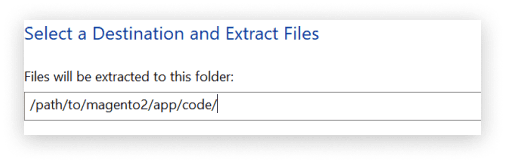 If you don't have an app/code folder, you can just create one.
- Make sure the file structure looks like this after extracting:
/path/to/magento2/app/code/OptimalShip/Customshipping/ - Open a terminal in the root directory of your magento install and run the following commands:
php bin/magento module:enable OptimalShip_Customshipping --clear-static-content
php bin/magento setup:upgrade - Go to your admin page and open Stores; then select Configuration and make sure it is installed.
You should see OptimalShip in your side bar. We aren't going to change anything in this tab.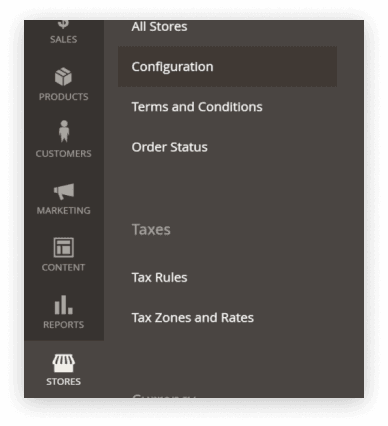
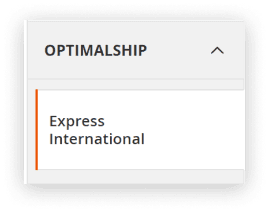
- Click on Sales then Shipping Methods and select Yes in the drop-down menu to enable the extension (full address Stores>Config>Sales>Shipping Methods).
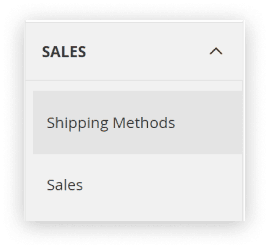
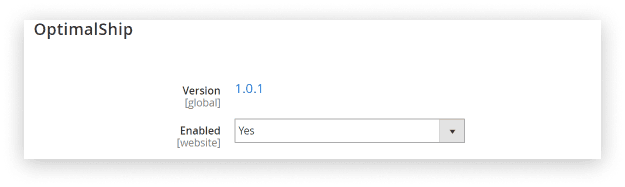
- Add your account number.
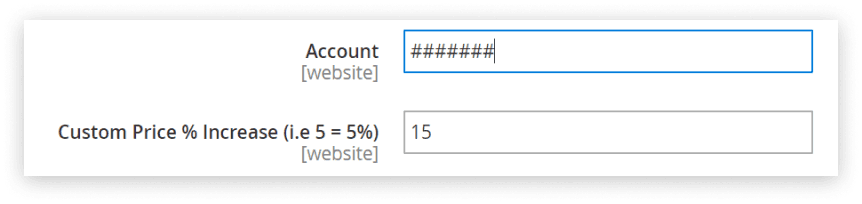 It may be a good idea to add a custom percentage increase to shipping costs to accommodate dimensional weights.
- Set the countries:
Since we only do international shipping, we need to highlight all of the countries except for the United States. An easy way to do this is to Shift+click the top country and Shift+click the bottom country. This should highlight all the countries. Then Ctrl + click on United States. All the countries should be highlighted except for the United States.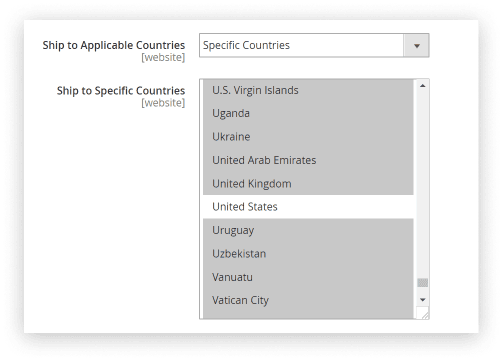
- Test it by adding an item to your shopping cart and going to checkout. Verify that Optimal Ship DHL is an option.