Platform Integrations > Magento 1.9
Magento 1.9
Note: It is always recommended that you evaluate any extension on a test or beta website prior to installation on your live website.
The rates provided by this shipping module are estimates based only on the weight of the items in the shopping cart. DHL determines the final shipping cost based on package weight or the dimensional weight of the package, whichever is greater. If the dimensional weight exceeds the weight of the package, the rates calculated by this module will not be accurate. To add a buffer for the situation, the surcharge field may be used.
To install the module, you will need to download the file below:
The rates provided by this shipping module are estimates based only on the weight of the items in the shopping cart. DHL determines the final shipping cost based on package weight or the dimensional weight of the package, whichever is greater. If the dimensional weight exceeds the weight of the package, the rates calculated by this module will not be accurate. To add a buffer for the situation, the surcharge field may be used.
To install the module, you will need to download the file below:
Steps to Install OptimalShip Module
- Open your Wordpress Admin panel, click on Plugins, and select Add New.

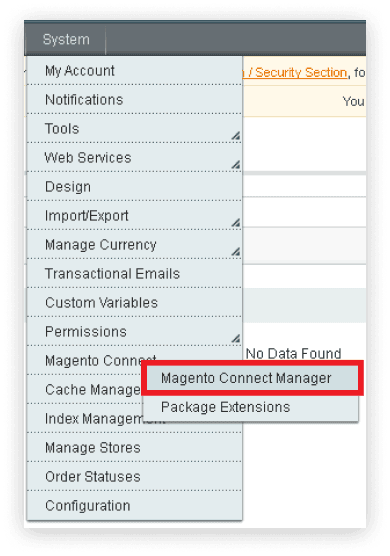
- Go to System tab, click Magento Connect, then select Magento Connect Manager.
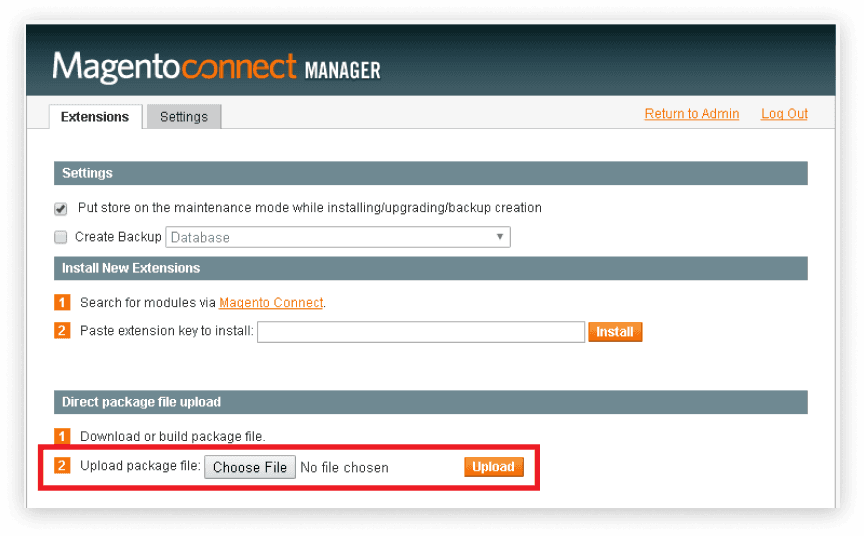
- Scroll down to Direct package file upload and click Choose File.
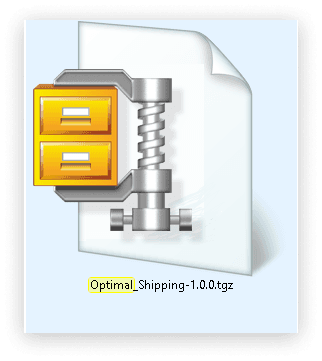
- Select Optimal_Shipping-1.0.0.tgz and then click Upload.
- Wait for the module to install then click Refresh.
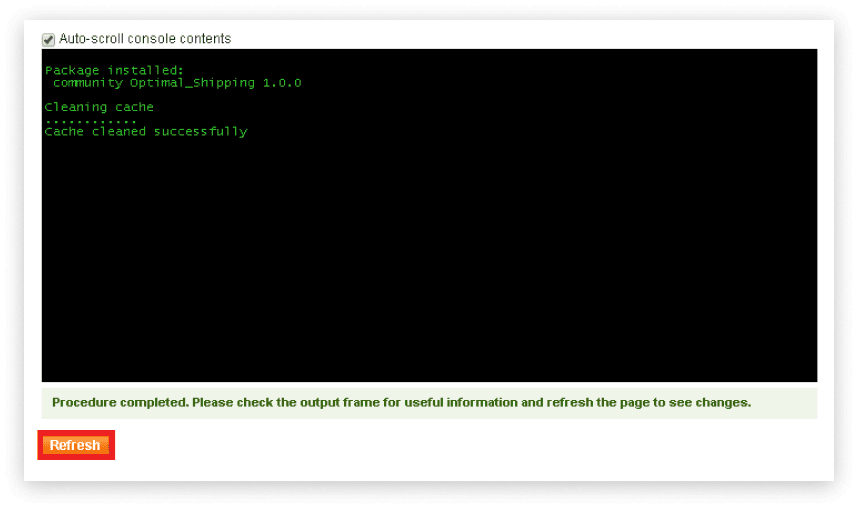
- Under Manage existing extensions, verify that Optimal_Shipping now exists.

- Click Return to Admin at the top of the Magento Connect Manager screen and navigate to Settings and select Configuration.
- Under Configuration on the left toolbar, scroll down to Sales and select Shipping Methods.
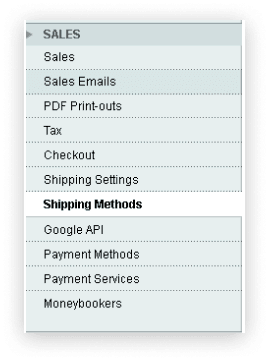
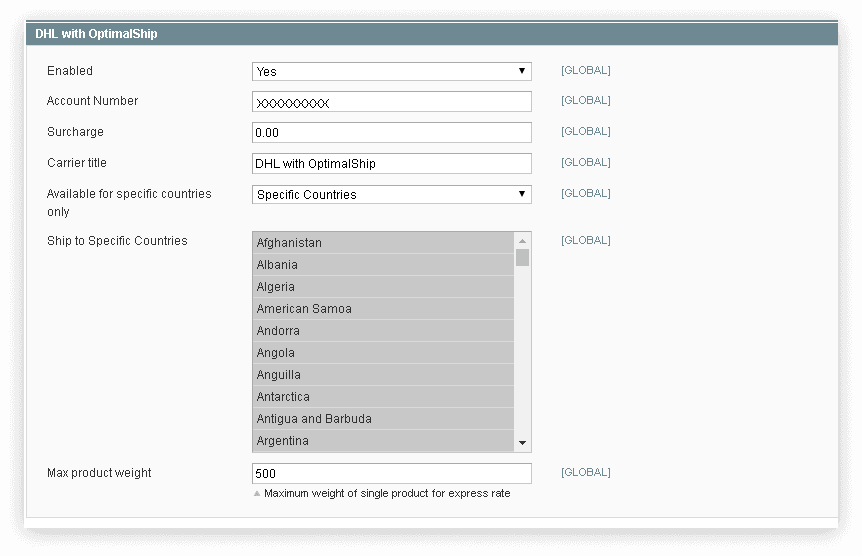
- Under DHL with OptimalShip, complete the following:
- Enabled: Select Yes.
- Account Number: Enter the account number given to you by OptimalShip.
- Surcharge: Add an additional flat fee that will be applied to the DHL with OptimalShip shipping rate in your customer's shopping cart.
- Carrier title: The name of the OptimalShip shipping option as it will appear in your customer's shopping cart.
- Available for specific countries only: Select Specific Countries.
- Ship to specific countries: Select all countries for which the OptimalShip will provide a rate quote. Hold CTRL to select/unselect multiple countries. Press CTRL + A to select all countries then CTRL + click to unselect United States as an option since we only do international shipping.
- Max product weight: Leave as the default value unless you prefer to limit DHL shipments at a lower weight.
- Click Save Changes.
- Enabled: Select Yes.
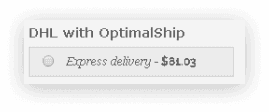
- Verify that DHL with OptimalShip (or the Carrier title you entered) appears as a shipping option in your store's shopping cart for international shipments.