Platform Integrations > 3DCart
3DCart
Steps for 3DCart integration:
- Add DHL as a shipping option with an OptimalShip neutral account number.
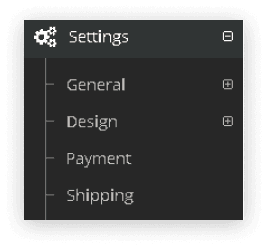
- In your 3Dcart admin panel, click on Settings.
- Click on Shipping.
- In the Shipping Settings section, click on Edit Settings.
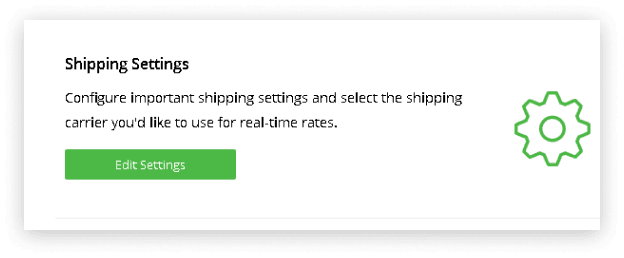
- Click Enter Credentials for DHL.

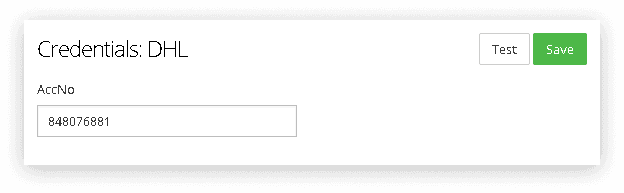
- Enter DHL Neutral Account number for OptimalShip.
- Click Save.
- Modify Shipping Rate
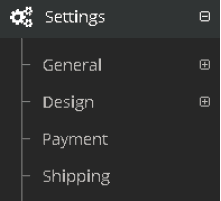
- In your 3Dcart admin panel click on Settings.
- Click on Shipping.
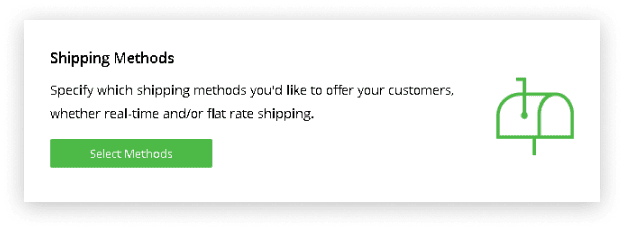
- In the Shipping Methods section click on Select Methods.
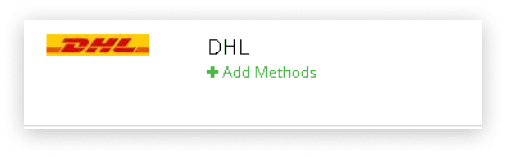
- Find DHL and click Add Methods.
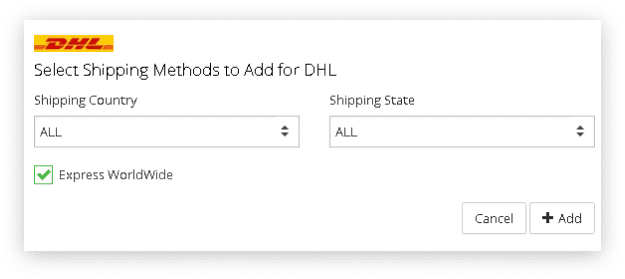
- Set Shipping Country to ALL and Shipping State to ALL.
- Select Express Worldwide.
- Click Add.
- In the Express WorldWide method that you just created click Settings.
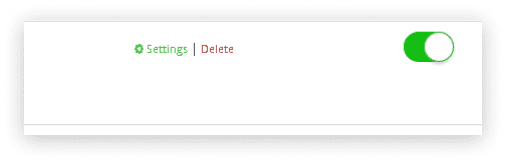
- Enter the discount amount given to you by OptimalShip. Make sure the % box is checked, and you have a "-" (minus) in front to indicate a discounted rate.
- Click Save in the top right corner of the page.

- Appropriate DHL Express rates should now populate for international shipments.